
Truedots user onboarding guide
Welcome to TrueDots. This page walks users through the onboarding process from account creation through identity verification and profile setup.
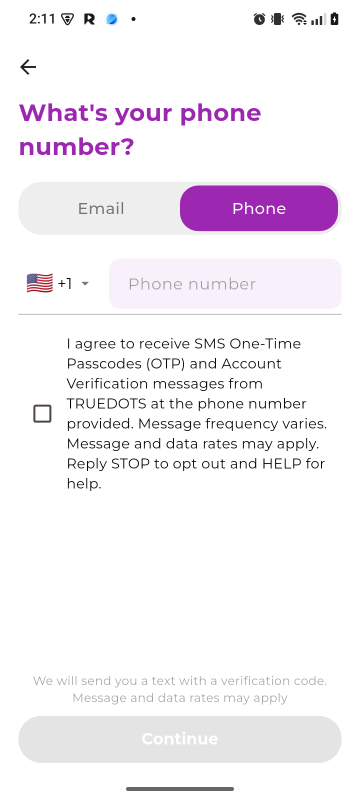
It also explains how users opt in to receive SMS one-time passcodes and account verification messages during registration
Step 1
Visit the App Store or the Google Play Store to download

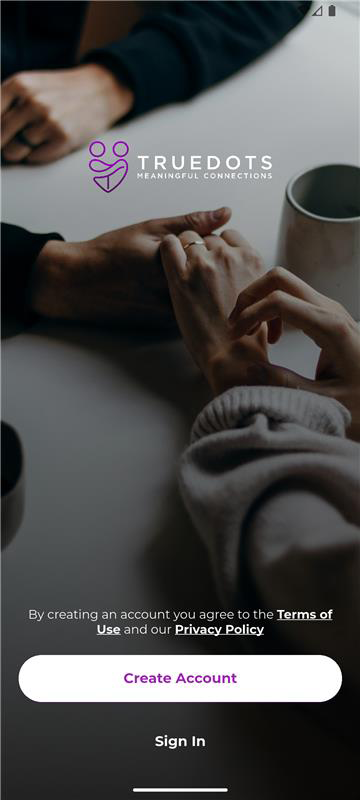
Users begin by selecting Create Account from the welcome screen.
During this step, users are also presented with links to the Terms of Use and Privacy Policy before beginning registration.
Step 2
Users may register with a mobile phone number by selecting the Phone option on the registration screen. The user enters their mobile number and is shown a standalone SMS consent checkbox.
The checkbox is not preselected. The user must affirmatively check the box to consent to receiving transactional SMS messages for account verification and security.
Step 3
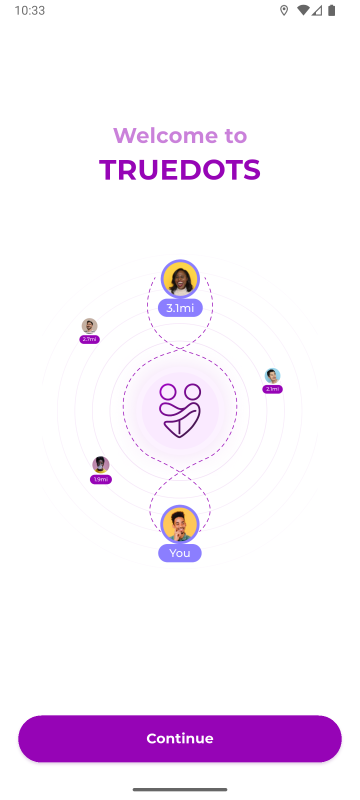
After registration begins, the user proceeds through the TrueDots welcome flow, which introduces the platform and helps them continue to the next setup steps.
Step 4
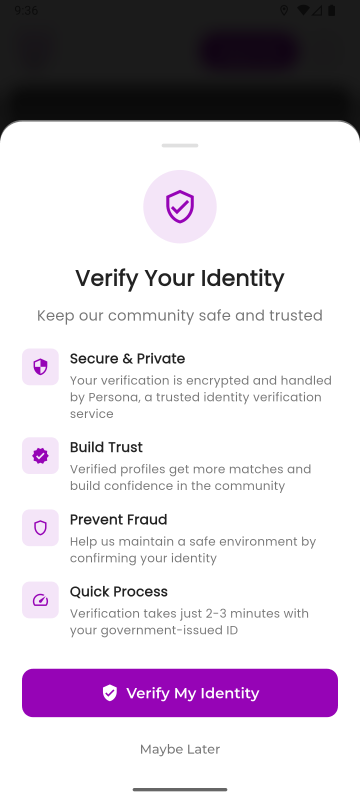
To help maintain a trusted and secure community, TrueDots may prompt users to verify their identity. Identity verification is handled by Persona, a trusted identity verification provider.
This step is used to: - improve trust and safety on the platform - reduce fraud and impersonation - help create a more secure environment for users.
Users can continue with identity verification by selecting Verify My Identity.
Step 5
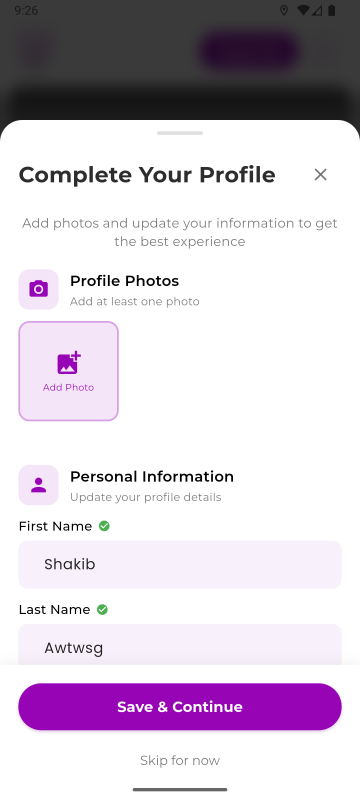
After identity verification, users are guided through profile setup so they can personalize their account and improve their experience on the platform.
Profile setup may include adding or updating information such as: - profile photos - first name and last name - age or date of birth - gender - height - profession or occupation - education - religion or faith preference - interests and hobbies - lifestyle preferences - relationship goals - location details - bio or personal introduction - other profile compatibility and discovery preferences made available in the app.
Users may also be prompted to upload at least one profile photo and save their profile details before continuing.